Accounts
This class will require you to make a Portfolio 2026 Web Site, a GitHub Account, a Slack Account, and as part of final exam will require you update your LinkedIn account.
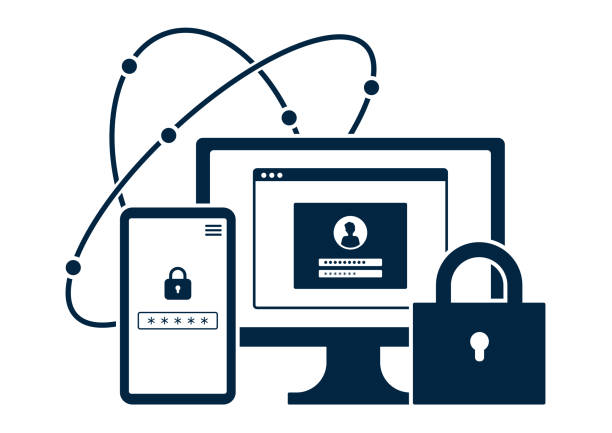
- Use Multi-Factor Authentication (MFA)
- Create strong, unique passwords
- Keep your software updated
- Encrypt data and backups
- Secure your Wi-Fi and router
- Use biometrics where possible
Online Risks
- Phishing & malware try to steal your data
- Social engineering tricks you into revealing info
- Respond quickly if compromised: update passwords and review your security
Nighthawk Coders Accounts
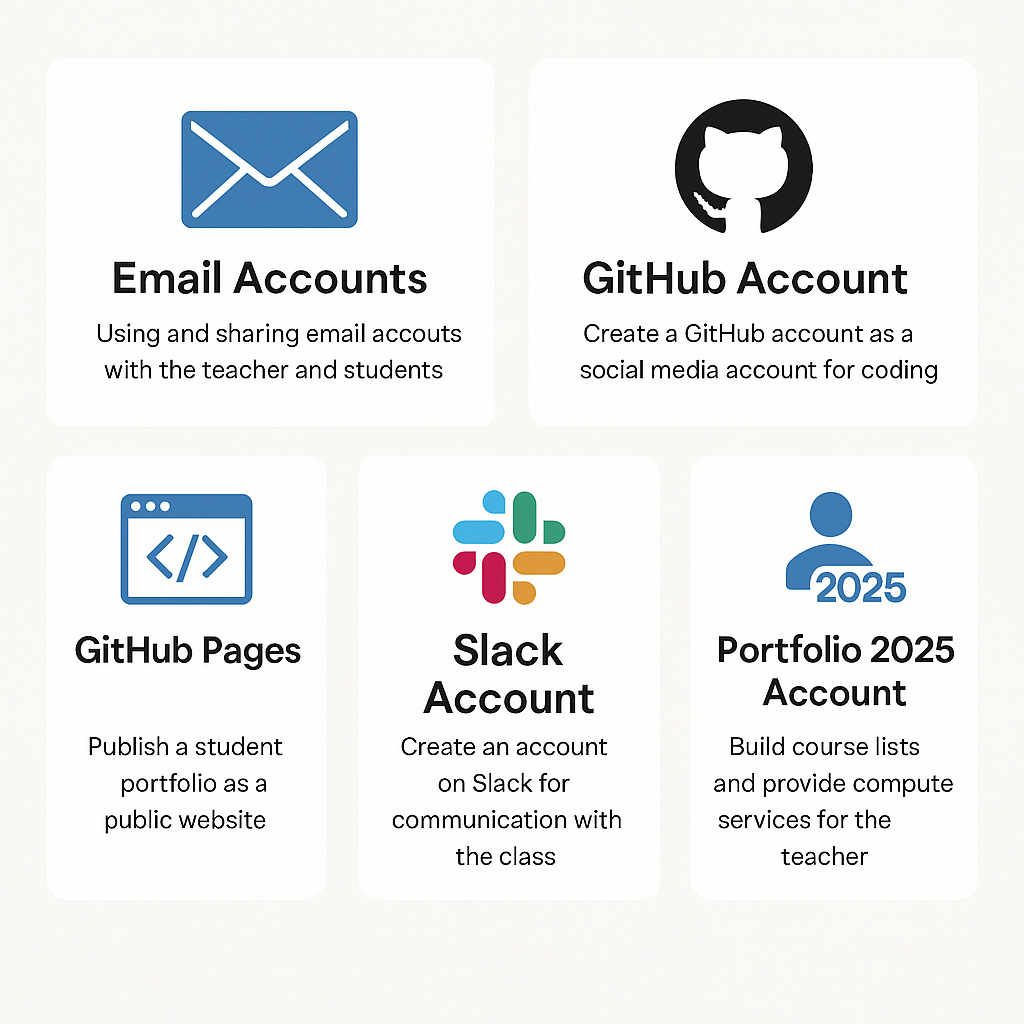
In this lesson, you’ll create several accounts and provide a public-facing name and email for some of them.
Email Accounts
Used for communication with your teacher and classmates.Tip: Use different emails for junk, school, and important info.
Github Account
Create a public-facing account for coding.Use a junk/common email, not your school email.
GitHub Pages
Build a public portfolio site.It will be Google-indexed and viewable by anyone.
Slack Account
Class-only communication tool.Use a junk/common email. PII is limited to classmates and teacher.
Portfolio 2026 Account
Tied to your GitHub ID.Used for course tools, services, and analytics.
PII Strategy on Account Creation
It is in the your interest that you establish and continually refine your PII (Personal Identifiable Information) strategy. It is likely that you are already active in sharing common PII, considering for yourself what is OK to share. As you progress in the digital world, you will likely need to adapt.
Key Points to Consider:
- Categorize Information:
-
Public Information: Information you are comfortable sharing publicly, such as your name and general interests.
-
Sensitive Information: Information that should be shared cautiously, such as your full birth date and phone number.
-
Highly Confidential Information: Information that should be kept strictly private, like social security number and internet access credentials.
-
- Use Different Email Accounts:
- Maintain different email accounts for different purposes (e.g., junk email, common email, work/school email, important email). This helps manage the type and volume of information you receive and sets expectations for the importance of the information.
- Be Prepared for Security Incidents:
- Anticipate that you may be hacked and will need to secure any vulnerabilities. Regularly update your passwords and use multi-factor authentication where possible.
- Adapt and Evolve:
- As you gain more experience and your digital footprint grows, continually reassess and adapt your PII strategy to ensure it remains effective.
Parting Advice:
Be cautious with the information you share online. Protect your personal data by using separate email accounts, staying aware of security risks, and adapting your practices as the digital world evolves. Taking steps now helps safeguard your digital identity in the future.